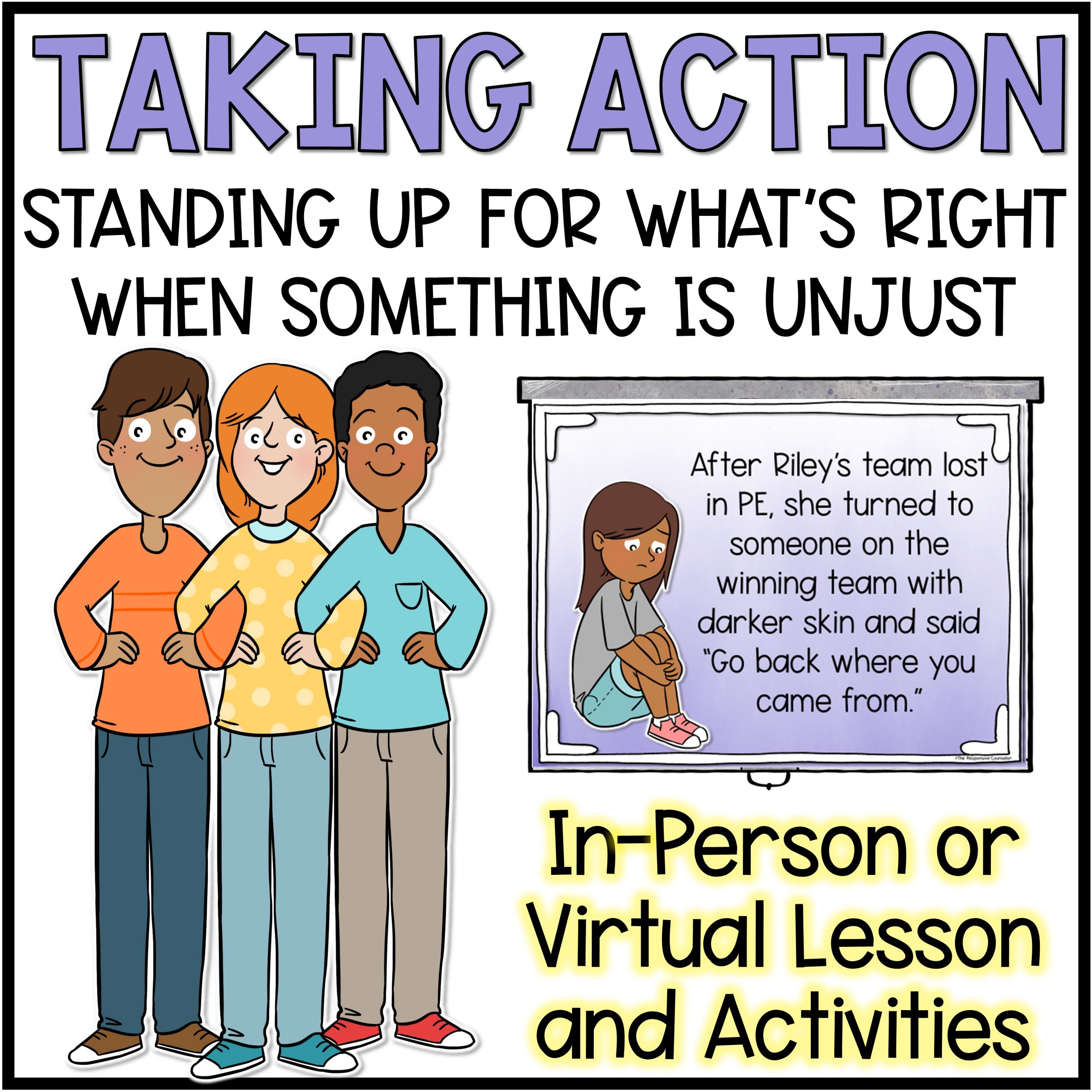
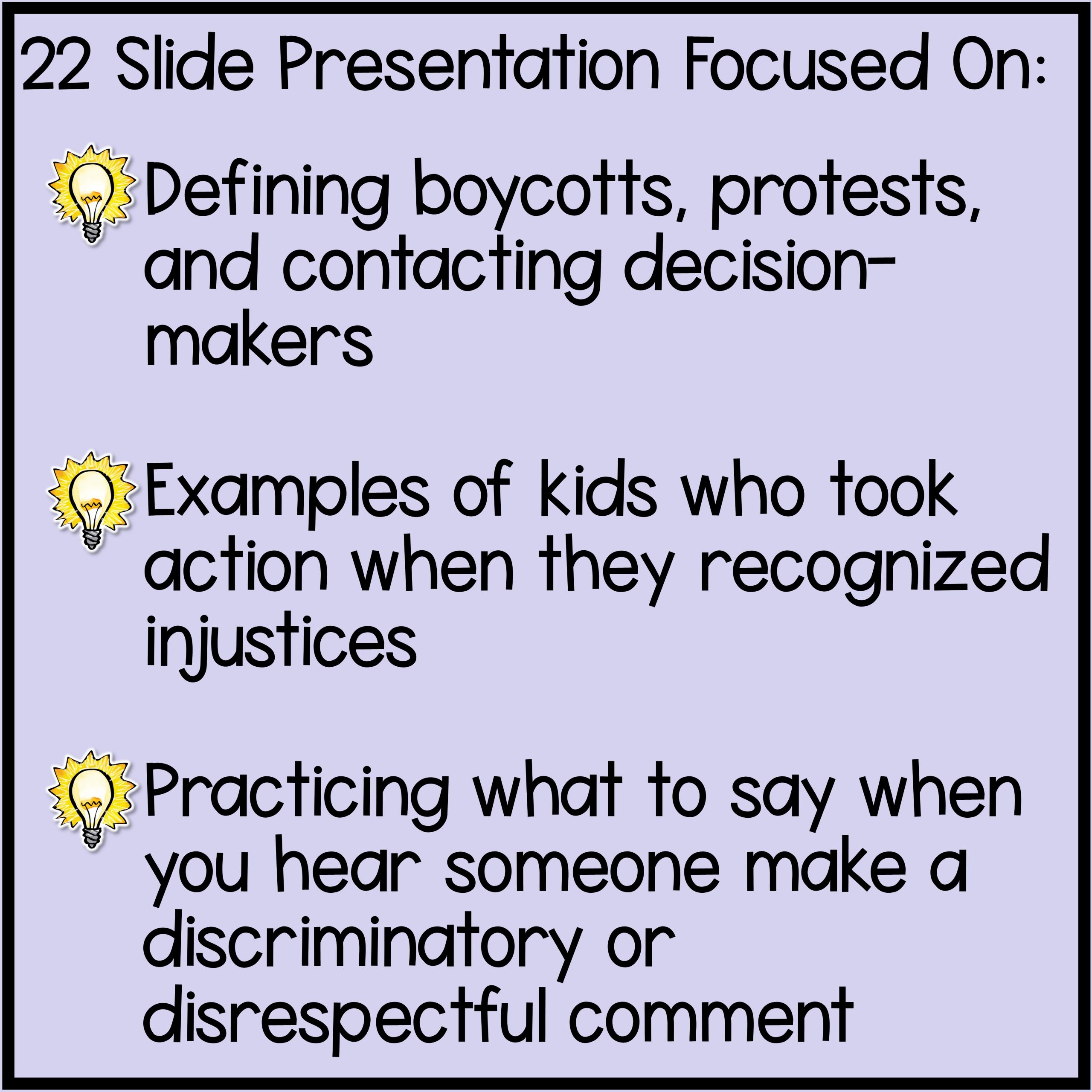
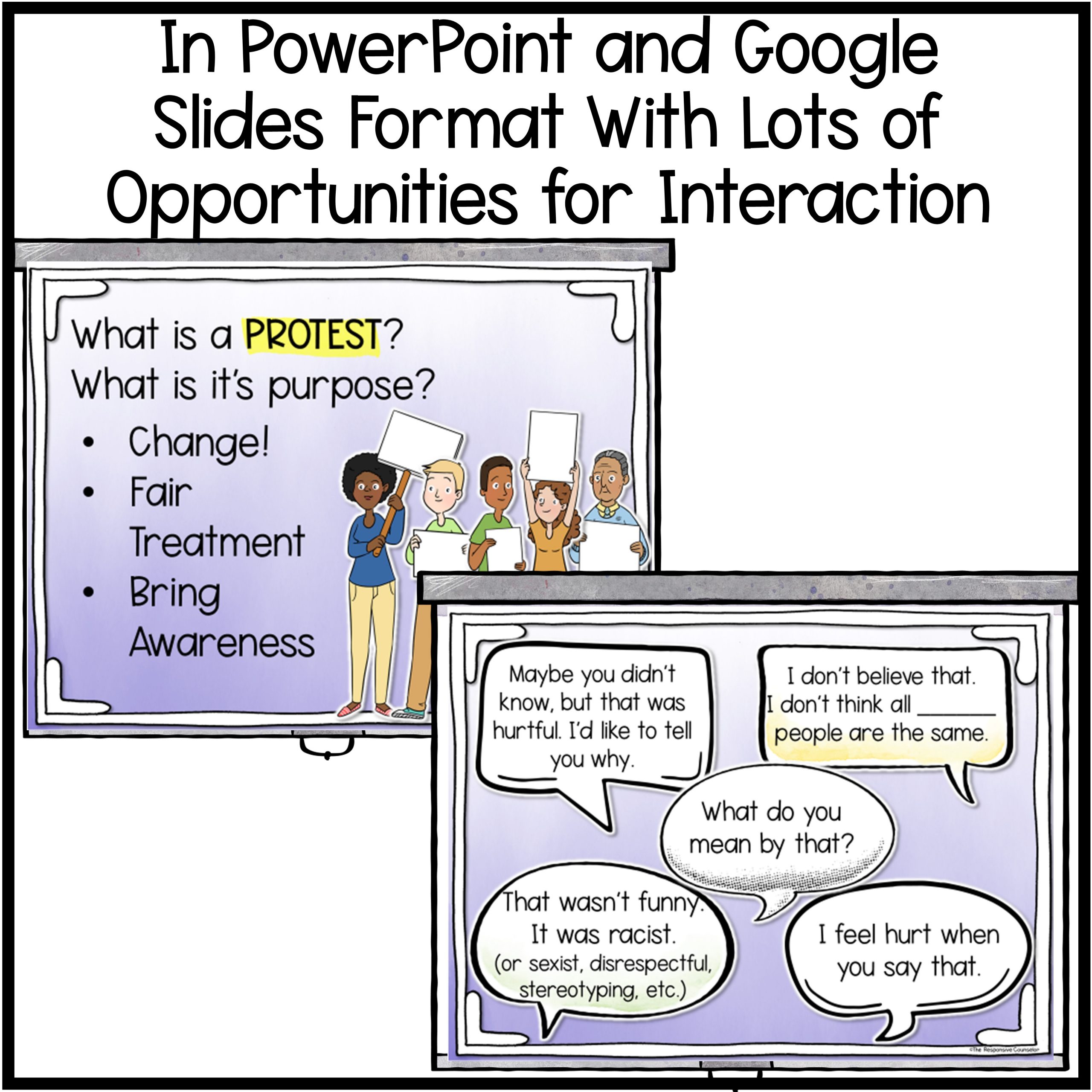
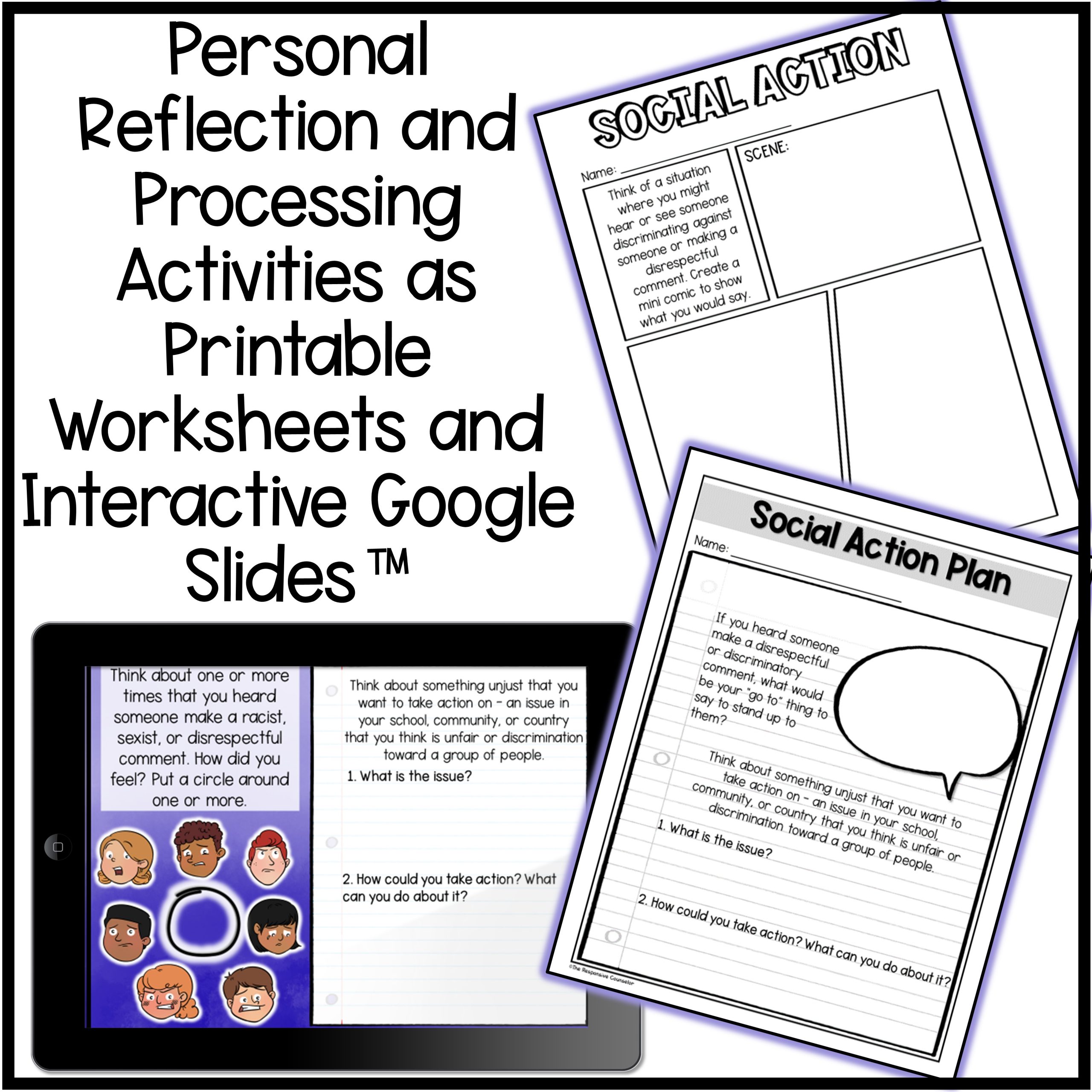
This Teaching Tolerance aligned lesson is taking when action noticing injustices large or small. It focuses on defining boycotts, protests, and contacting decision-makers, examples of kids who took action when they recognized injustices, practicing what to say when you hear someone make a discriminatory or disrespectful comment (being an upstander).
The lesson includes:
•22 Slide presentation to guide discussion and activities with suggested scripting for each slide
•Independent reflection activities: printable worksheets & interactive Google Slides™
•Recommended book companion list
•Editable parent letter to send home after the lesson explaining the purpose and content of the lesson
•Follow-up discussion questions printable
•Student pre/post survey
This was created as either a stand-alone lesson or the fifth and final lesson in a series building up to and working to develop knowledge and skills around social justice.
*You may wish to expand this into two lessons, depending on how much time you have, especially if you incorporate a book*
It is aligned to: Teaching Tolerance’s Social Justice Anchor Standards (Action), the American School Counseling Association’s Mindsets & Behaviors, and the Collaborative for Academic, Social, and Emotional Learning’s (CASEL) Core Competencies.
This resource is listed for grades 3rd-6th but you know your students best! I recommend thoroughly looking over the preview to decide if this resource is developmentally appropriate for your students.
The presentation is MAC and PC compatible with a Google Sides™ link included in the lesson plan. The presentation is NOT editable, although slides can be hidden or deleted.


 Reload document
 Open in new tab