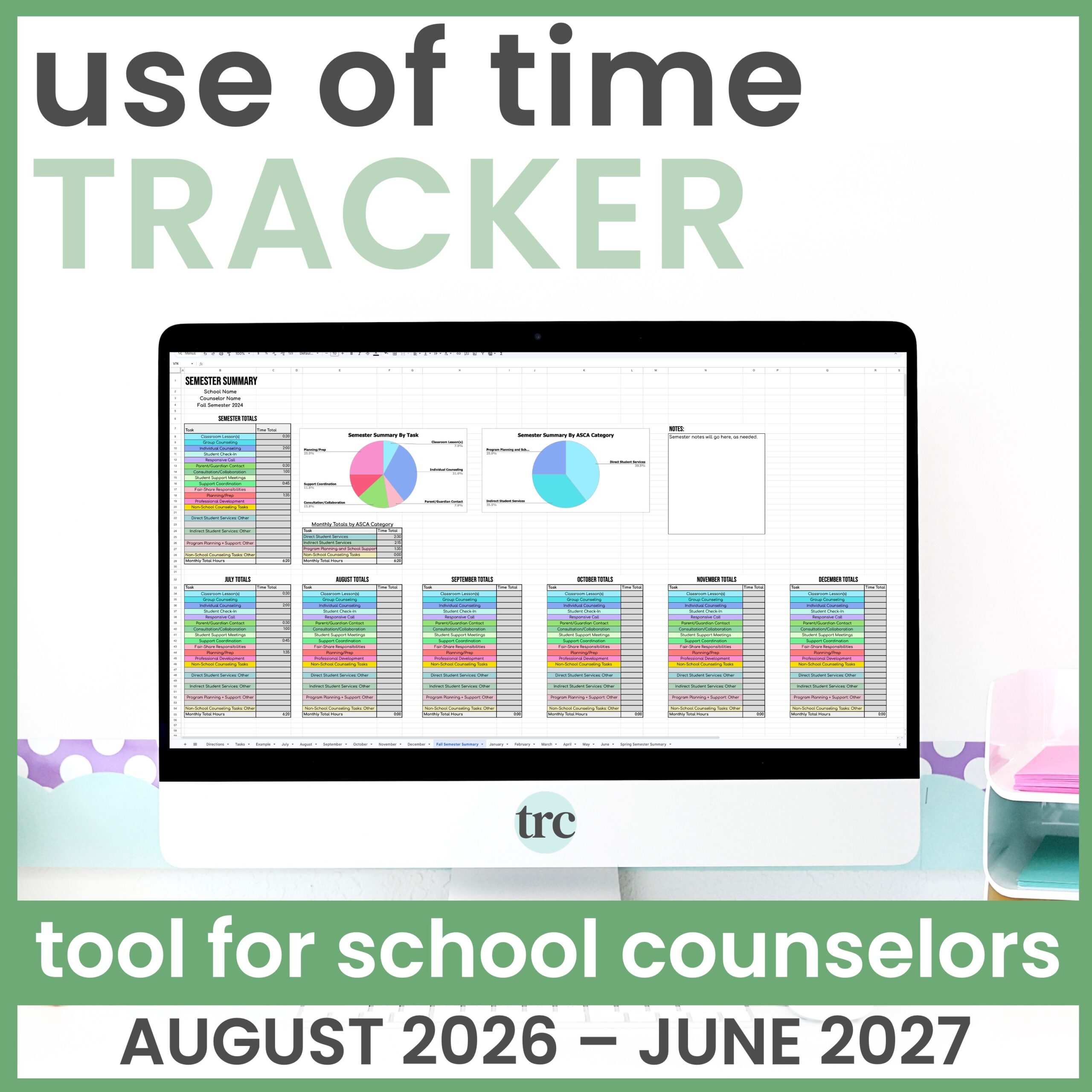

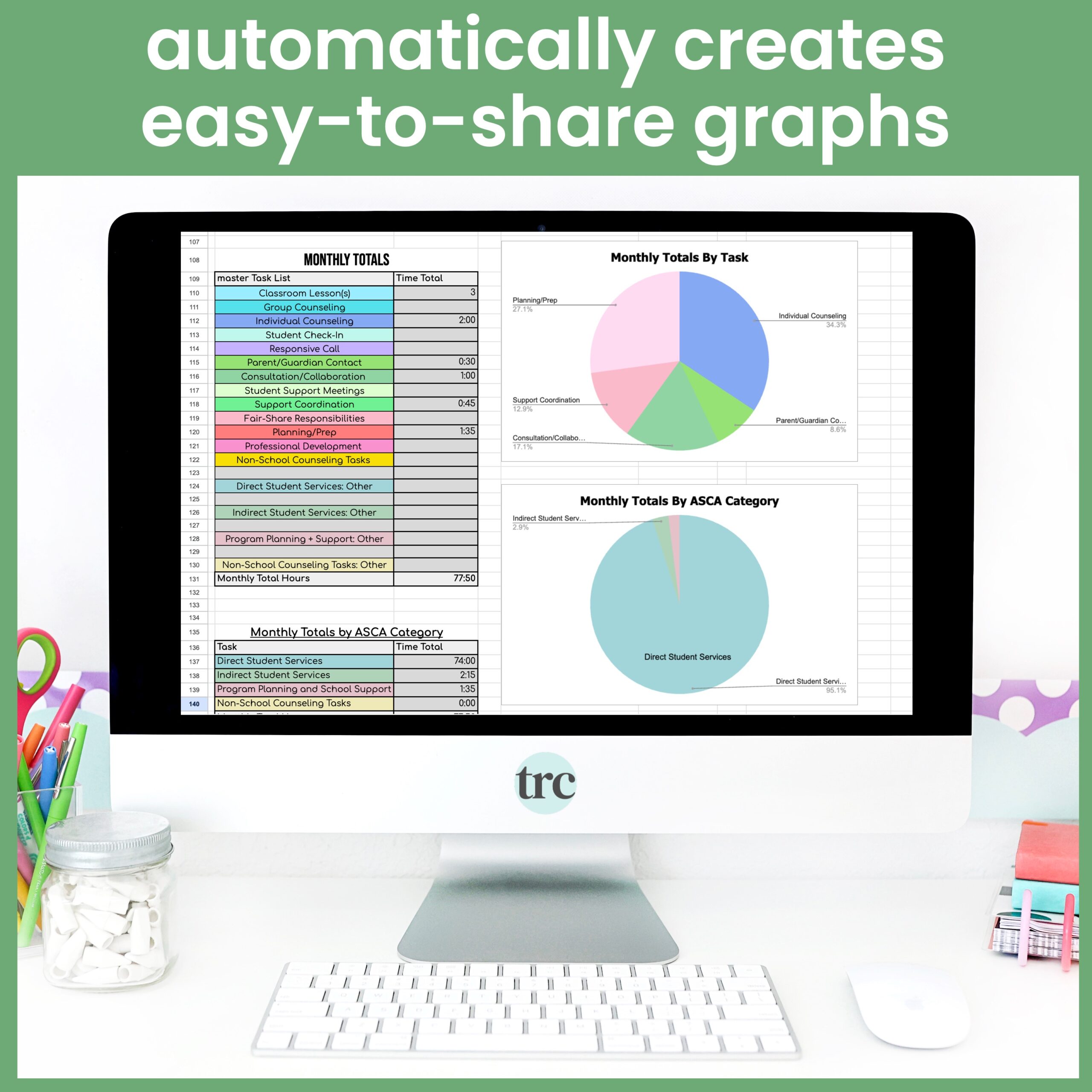
If you need clear data to advocate for your role, this school counselor use of time tracker makes it simple to collect it. The Google Sheets tool documents time spent on direct services, indirect services, program planning and school support, and non-school-counseling tasks, then automatically turns it into a use of time analysis you can share to make informed decisions and show your impact. It takes less than three minutes a day.
What’s included:
- A Google Sheets use of time tracker covering August through June of the school year
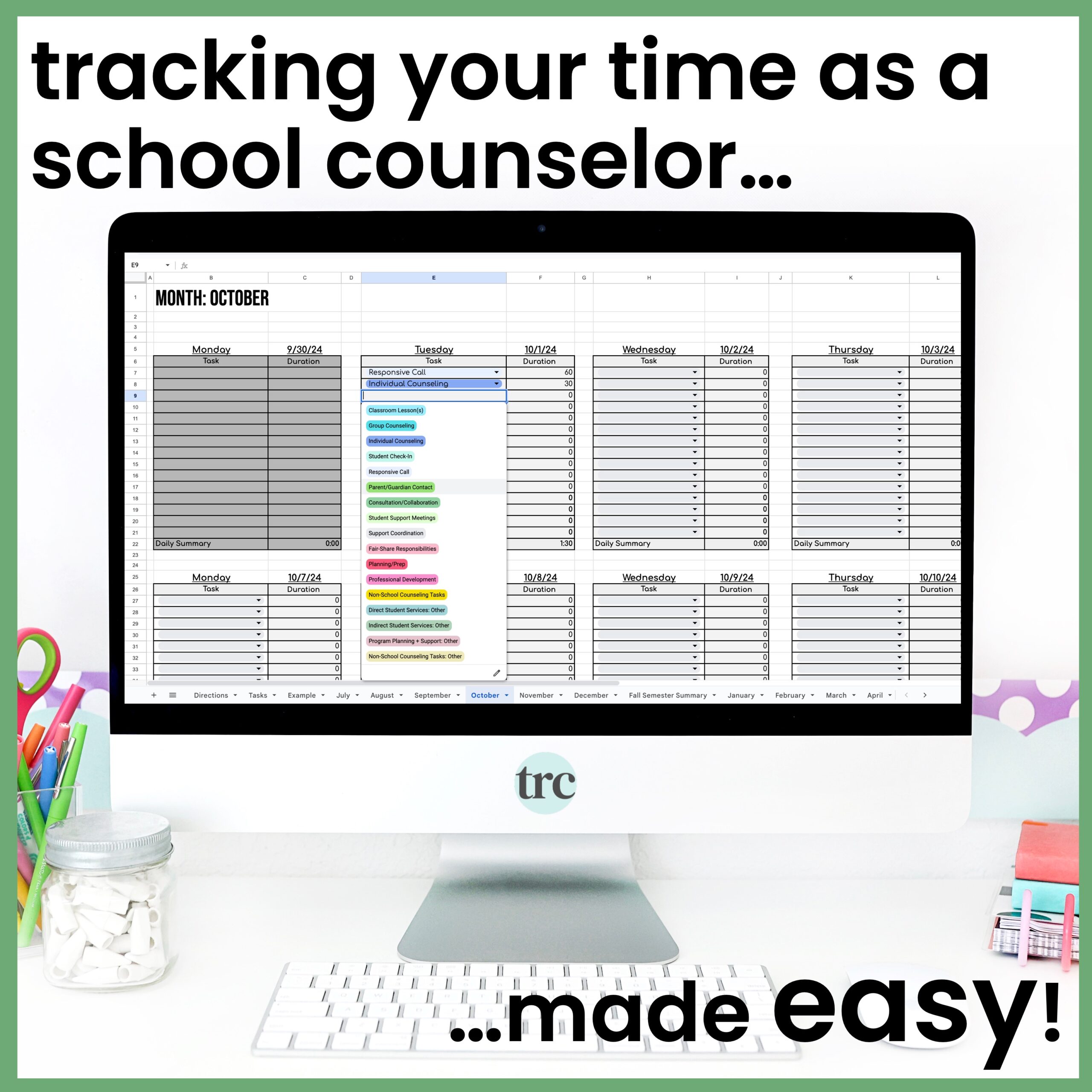
- Three simple steps: select each task you completed, type the minutes spent, and let the tool create the graphs
- Monthly and semester summaries with pie charts, generated automatically by task and by ASCA category
- A customizable master task list, so you can use the tasks already included or add your own to match your role
- A print-and-go version as a backup for when the internet is acting up
- Free yearly updates, with the new year’s link available each May
How to use it:
- Daily, in under three minutes, to track how you spend your time
- To share use of time data with administrators when advocating for your role
- For annual reviews, program planning and goal setting
Take a closer look! The Preview Resource tab shows sample pages from this resource.


 Reload document
 Open in new tab